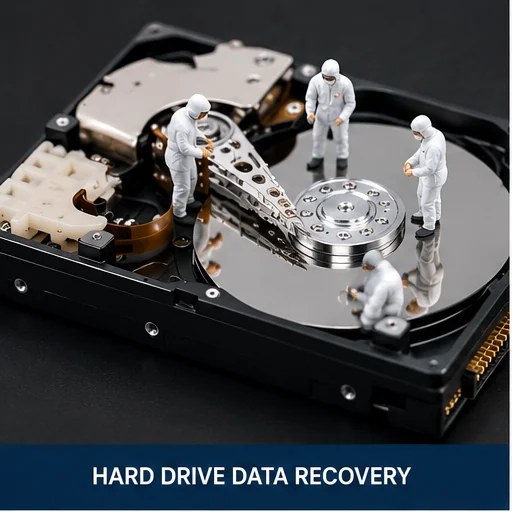
Hard Drive Recovery
Clicking, beeping, not detected, freezing, RAW, corrupted and mechanically damaged drives.
Learn More →
Professional data recovery in Montreal for lost files, clicking or beeping hard drives, failed SSDs, MacBooks, external hard drives, RAID, NAS, USB drives and corrupted or formatted storage.
Montreal PC Support provides careful diagnostics and recovery options for personal, professional and business storage devices throughout Montreal and Laval.
Our data recovery in Montreal services cover hard drives, SSDs, NVMe storage, MacBooks, external drives, USB devices, RAID arrays, NAS systems, deleted files, formatted media and physically damaged storage. We evaluate the condition of the device first and recommend the safest recovery path before proceeding.
Clicking, beeping, not detected, freezing, RAW, corrupted and mechanically damaged drives.
Learn More →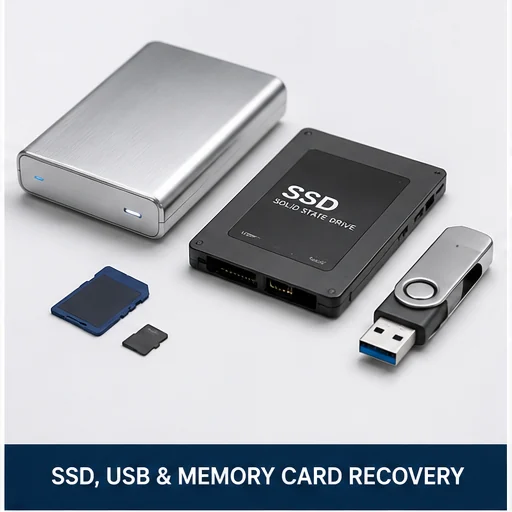
Failed, corrupted, formatted, inaccessible or undetected SSD and NVMe storage.
Learn More →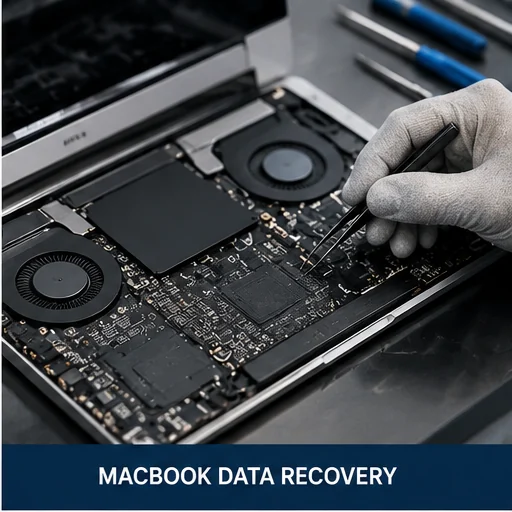
Recovery evaluation for non-booting, liquid-damaged and failed MacBook storage.
Learn More →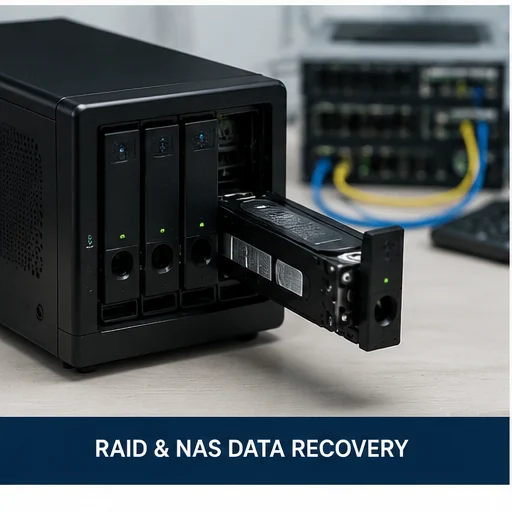
Failed arrays, missing volumes, damaged drives and inaccessible business storage.
Learn More →
Recovery attempts for deleted folders, formatted drives and corrupted partitions.
Learn More →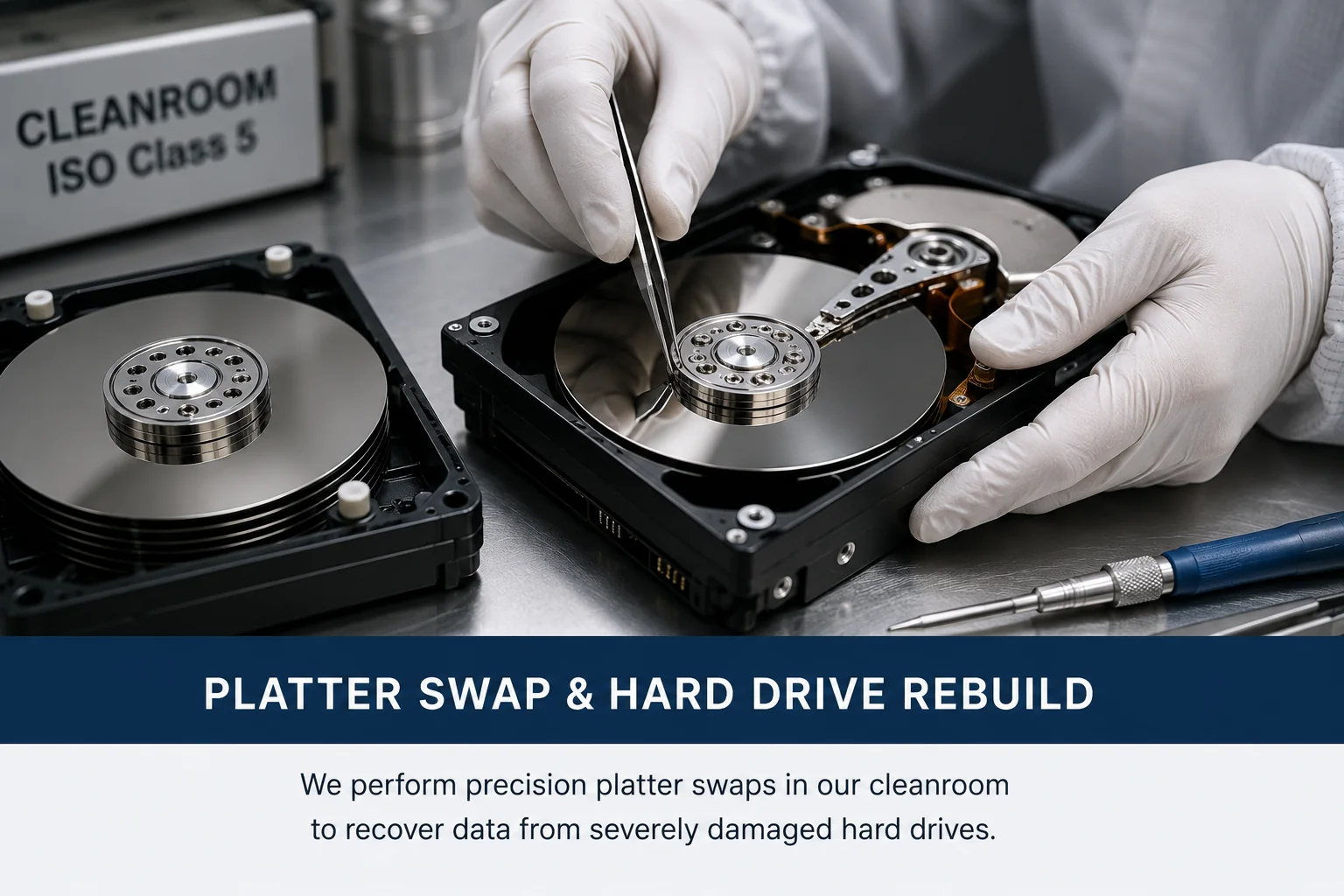
Severe mechanical failures, head damage, stuck motors and lab-level recovery handling.
Learn More →Data recovery should begin with a careful evaluation. We distinguish logical corruption, firmware problems, electrical faults and physical drive damage before choosing a recovery method.
We work with personal, professional and business storage devices across common interfaces and file systems.
Mechanical hard-drive failures can worsen with every power-on attempt. Clicking may indicate damaged heads, while beeping may indicate a stuck spindle or a drive that cannot spin correctly.
Stop powering the drive on and avoid repair utilities. We evaluate whether the problem is logical, electronic, firmware-related or mechanical before recommending the safest next step.
SSD and NVMe failures may involve firmware, controller, NAND, power circuitry, encryption or file-system corruption. Unlike hard drives, SSDs often fail without warning and may disappear completely from the system.
We evaluate accessible, unstable and undetected solid-state storage and explain whether recovery is practical.
MacBook data recovery may involve macOS corruption, liquid damage, failed logic boards, damaged storage or Apple Silicon systems with onboard storage.
We inspect the MacBook and advise whether the best path is logic-board repair, data access through the system, storage recovery or a specialized recovery process. For full hardware service, visit our MacBook Repair Montreal page.
RAID and NAS recovery requires careful identification of the original configuration, disk order, failure sequence, file system and controller state. Rebuilding an array incorrectly can overwrite important metadata.
We evaluate failed disks, missing volumes, degraded arrays and inaccessible business storage before recommending a recovery plan.
Files may remain recoverable after deletion, formatting or partition corruption, especially if the device has not been reused. Continued use can overwrite the same storage areas and permanently reduce the recovery chance.
Do not install recovery software on the affected drive and do not save new files to it.
Severe mechanical damage such as failed heads, platter contamination, stuck motors or internal impact damage may require controlled-environment work and specialized donor parts.
We explain when a case can be handled in-house and when lab-level recovery is the safer option.
We confirm the device, symptoms, failure history and type of data required.
We explain whether the case appears logical, electronic, mechanical or lab-level.
Approved recovery work is performed using the safest practical method.
Recovered files are copied to suitable destination media supplied or approved by the client.
We provide professional data recovery in Montreal and serve clients from Laval, Plateau Mont-Royal, Mile End, Outremont, Rosemont, NDG, Westmount, Downtown Montreal, West Island, Brossard and surrounding areas.
Related services include computer repair, laptop repair, MacBook repair, business IT services and home computer support.
Yes. Clicking often indicates a mechanical or head-related failure. Stop powering the drive on and bring it for evaluation.
In many cases, yes. A beeping drive may be stuck, damaged or unable to spin correctly. Repeated power attempts can make recovery harder.
Often yes, especially if the device was not reused. Stop using it immediately to reduce the risk of overwriting recoverable files.
Yes. We evaluate MacBook storage, SSD and NVMe devices, RAID arrays and NAS systems.
Sometimes. Recovery depends on the controller, firmware, NAND, encryption and whether the device can be stabilized or accessed.
No. CHKDSK can modify the file system. If the drive is failing or contains important data, stop using it and seek professional evaluation.
Yes. Recovered data should be transferred to separate destination media rather than written back to the original device.
Timing depends on the failure type, device condition, capacity and whether lab-level work is required. We explain the expected process after evaluation.
Stop using the affected device and contact Montreal PC Support for a careful evaluation and the safest practical recovery path.